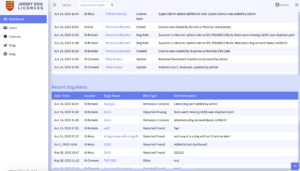
Adding an alert against a dog can be used if a dog is reported missing or found or for behaviour or welfare reports.
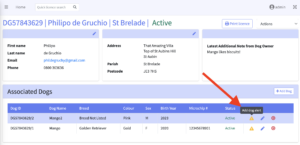
- From the licence view page, you will be able to see all of the licenced dogs for that owner.
- In the furthest right-hand column, for each dog entry, click on the yellow warning symbol in order to add an alert to a dog.
- Type whatever note you want to add to this dog.
- Click on the ‘add alert’ button
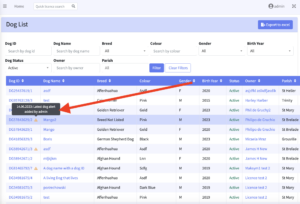
This alert will be viewable in the licence history on the licence view page. It will also be viewable in the dog list view as a dog alert next to the Dog ID. Simply hover your mouse over the yellow warning sign to view the latest dog alert.
For quick access, the most recent dog alerts will also be available in the dashboard.