
On the licence list page and the dog list page (from the left-hand pane) you have the ability to search for records using filters.

Any combination of filters can be applied in order to find certain data.
After filling in any of the fields, click on the purple ‘Filter’ button to see the results.
You can clear the filters by either manually emptying each field or by selecting the ‘Clear Filters’ button.
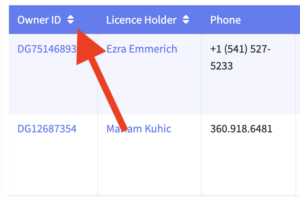
You can sort the data by ascending or descending by selecting the arrows at the top of each column.
 Please make sure to double-check your entries in the free text fields (aka Owner ID, Licence holder, phone number etc) as the text you type needs to be an exact match. The system will not be able to find the record you are looking for if there are spelling errors.